
Why Digital File Organization Matters
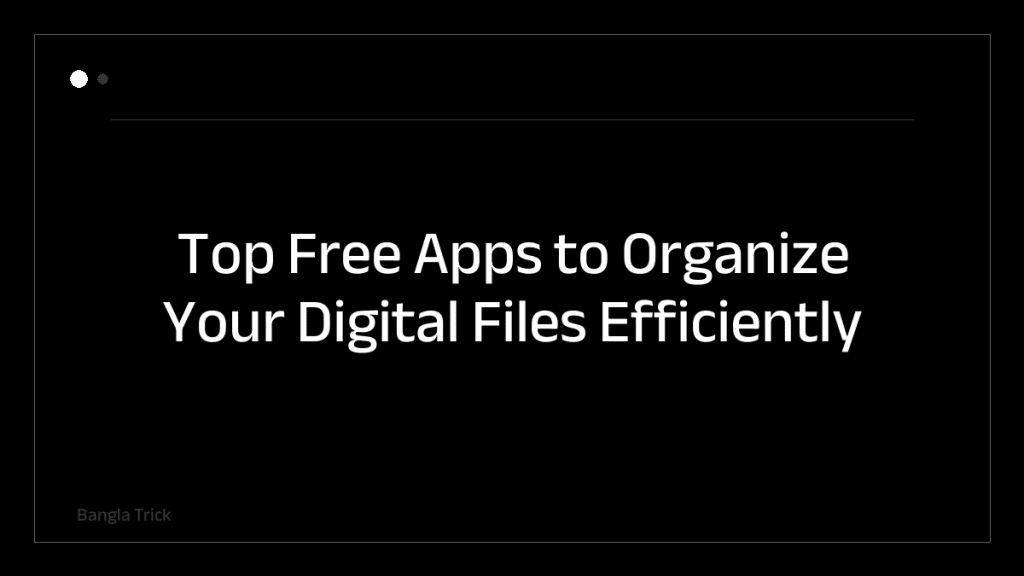
In today’s digital age, managing files across devices can quickly become overwhelming. Whether you’re a student, professional, or casual user, having a reliable system to organize documents, photos, and projects is essential. Free apps offer accessible solutions without breaking the bank, helping you streamline workflows and reduce clutter.
Best Free Apps for Digital File Organization
1. Google Drive
Google Drive provides 15GB of free cloud storage, seamlessly integrating with Google Workspace tools. Its intuitive interface allows easy folder creation, file sharing, and real-time collaboration. Tip: Use color-coded labels and starred files to prioritize important documents.
2. Dropbox
Dropbox offers 2GB of free storage with robust syncing capabilities across devices. It’s ideal for users who need to access files offline or share large files securely. Tip: Enable selective sync to free up local storage while keeping files accessible online.
3. Evernote
Evernote excels at organizing notes, images, and web clippings into searchable notebooks. Its tagging system and OCR (optical character recognition) make it perfect for creative professionals. Tip: Use templates to standardize your note-taking and file categorization process.
4. Microsoft OneDrive
OneDrive integrates deeply with Windows and Office apps, offering 5GB of free storage. It’s a solid choice for users already in the Microsoft ecosystem. Tip: Leverage OneDrive’s file versioning to recover previous iterations of important documents.
5. Notion
Notion combines note-taking, project management, and database features in one platform. Its customizable templates help users create personalized file hierarchies. Tip: Build a master dashboard to track all your files and deadlines in one place.
6. Trello
Trello uses a card-based system to organize tasks and files visually. While not a traditional file manager, it’s useful for project-based file organization. Tip: Attach files directly to cards and use labels to categorize by type or priority.
Choosing the Right App for Your Needs
Consider your primary use case before selecting an app. For cloud storage, Google Drive or Dropbox are top picks. If you need a hybrid solution, Notion or Evernote work well. Evaluate free storage limits, sync capabilities, and collaboration tools to find the best fit.
Practical Tips for Effective File Organization
- Consistent naming conventions: Use clear, descriptive names for files and folders.
- Regular backups: Sync files to cloud services to prevent data loss.
- Declutter regularly: Delete unnecessary files monthly to maintain efficiency.
- Tag wisely: Use tags and labels to group related files across folders.
Final Thoughts
Organizing digital files doesn’t have to be complicated. These free apps provide powerful tools to keep your data structured and accessible. By choosing the right platform and adopting smart habits, you can reclaim time and reduce stress in your daily workflow. Start with one app that aligns with your needs and build from there.